One-Keystroke Text Expansion
Turn 3–5 character triggers into full sentences, paragraphs or contact blocks. You stop pausing to type the same thing for the hundredth time, and the words you'd type anyway come out exactly the way you want them.
// features
Save your most-typed phrases, signatures, URLs, addresses, and canned replies as short triggers — then expand them in any app with a few keystrokes. Built for support agents, sales reps, freelancers, developers, and anyone tired of typing the same thing every day.
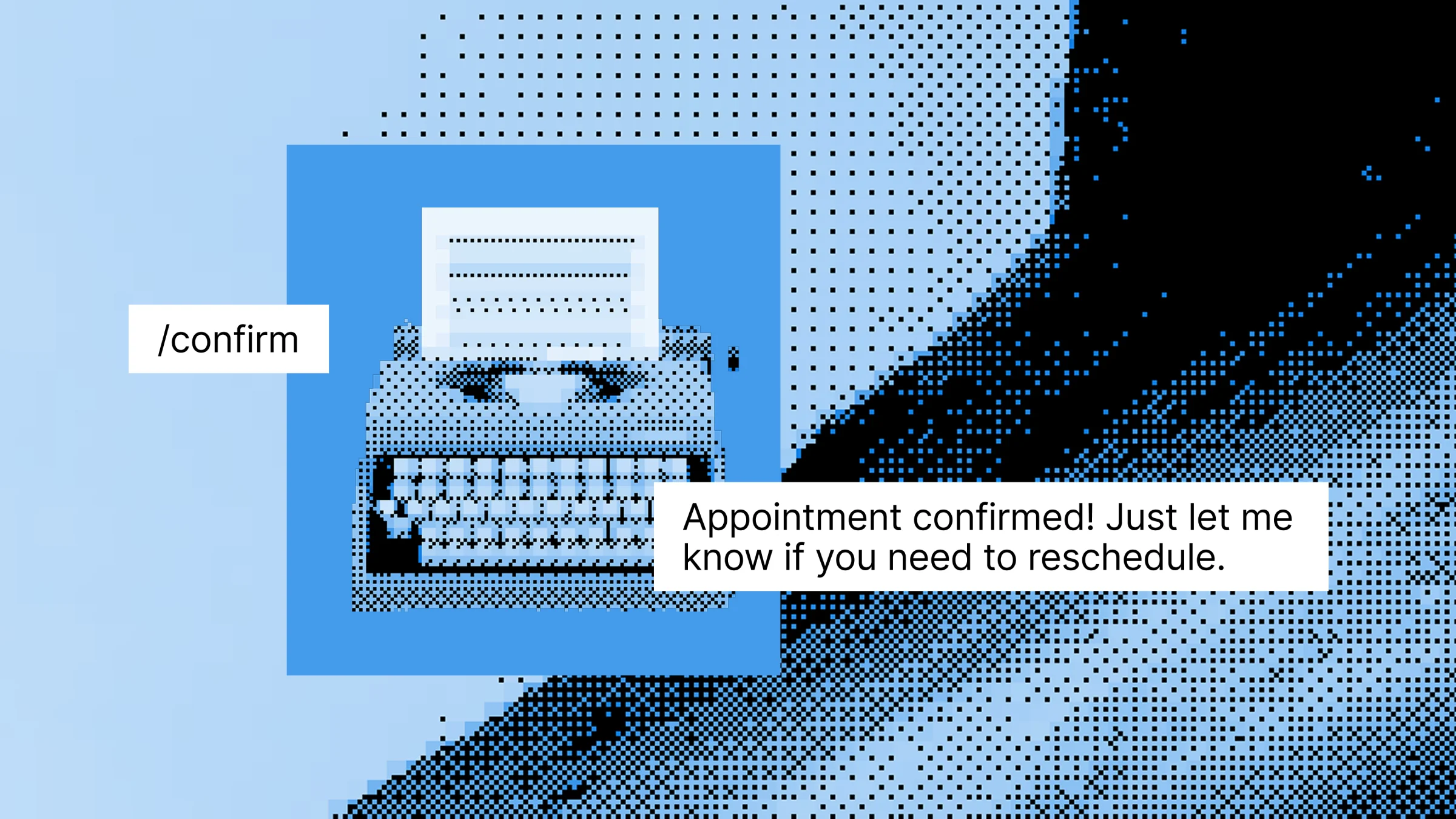
You don't realize how much repetitive typing you do until you count it. The same signature. The same greeting. The same Calendly link. The same address. The same "thanks for reaching out, I'll get back to you shortly." Hundreds of keystrokes a day, none of them new. You retype your full email signature 30+ times every day, type your address, phone or tax ID every time someone asks, paste the same Calendly link or portfolio URL over and over, send "thanks, I'll review this and get back to you" 20 times a week, and repeat standard greetings, closings and brand phrases across Slack, email and DMs.
Type a short code. Get a full message. Anywhere you type.
Turn 3–5 character triggers into full sentences, paragraphs or contact blocks. You stop pausing to type the same thing for the hundredth time, and the words you'd type anyway come out exactly the way you want them.
Your Snippet expand the same way in Gmail, Slack, LinkedIn, Notion, Zendesk, HubSpot and any browser tab. There's no Gmail-only extension or Slack-only command to learn — one snippet works everywhere.
Save your email signature, your "thanks, looking into it" reply, your meeting closer and your standard disclaimers as snippets. A support agent can fire off /thx or /escalate in two keystrokes and keep the rest of the reply for the actual answer.
Store your Calendly link, mailing address, phone, portfolio URL or invoice details once and expand them anywhere. A freelancer can drop their full payment instructions into a client message with /pay instead of digging through old invoices.
Build a snippet once and roll it out to teammates so everyone uses the same approved wording for tricky replies, brand lines and policy responses.
Start a new snippet from your library or create one inline as you go.
This is your trigger word — something short and memorable like /sig, /thx, /addr or /cal.
A signature, a stock reply, a URL, an address, a paragraph of boilerplate — anything you type more than twice.
Your Text Snippet is now active across every app on your computer — no integrations, no setup per app.
Slashit replaces the trigger with the full text instantly — in email, chat, CRMs, helpdesks or any text field.
You're a customer support agent halfway through your morning ticket queue. A new customer asks where their order is, and you start typing the same "we're looking into it" reply you've sent 40 times this week. Without Slashit, that's roughly 25–35 seconds of typing per ticket. Multiply that by 60+ tickets a day and you're losing real hours to keystrokes alone.
With Slashit, you type:
Slashit instantly expands it to:
"Hi there — thanks for reaching out! I'm sorry for the delay on your order. I'm looking into this with our shipping team now and will follow up with a status update by end of day."
Then you type:
And your full support signature drops in:
"— Aaron, Customer Support | Reply times: Mon–Fri, 9am–6pm ET | [email protected]"
Elapsed time for both: about 2 seconds.
| Without Slashit | With Slashit's Snippet |
|---|---|
| Typing your full email signature on every reply | /sig expands the complete signature in one keystroke |
| Pasting your Calendly link from a browser bookmark | /cal inserts it in any app, no tab-switching |
| Retyping the same "thanks, looking into it" reply | /thx fires off the polished version instantly |
| Looking up your mailing address every time someone asks | /addr fills it in across email, forms and DMs |
| Spelling out tax IDs, license numbers or account numbers | Save them once, expand them anywhere with a trigger |
| Typing the same company tagline or disclaimer | One shortcut, full approved text — every time |
| Spending 15+ minutes a day on repetitive typing | Reclaiming that time for actual work |
“I rebuilt my entire support reply library as Slashit snippets. /refund, /shipping, /thx, /escalate — what used to take me 30 seconds of typing now takes one. I'm handling roughly 25% more tickets a day with less fatigue.”
“As a freelancer, I have snippets for my Calendly link, payment terms, portfolio, scope clarification and rate replies. I genuinely don't remember what life looked like before /pay and /book.”
“Half my workday is writing the same kinds of replies. With Snippet in Slashit, I save my common phrases, code boilerplate and even commit message templates — saving probably 90 minutes a day.”
Slashit runs at the operating system level on Mac and Windows, so your snippets expand the same way in any browser tab or desktop app — without integrations, plugins or per-tool setup.
Plus any other browser, CRM, helpdesk, code editor or text field on your computer. Available on macOS and Windows.
A Text Snippet is a short trigger word that expands into a full piece of text — a signature, sign-off, URL, address, code block or canned reply — the moment you type it. You set it up once in the Slashit app and it works across every browser tab and desktop app on your computer. It's the fastest way to stop retyping the same things every day.
A Text Snippet expands into the exact same text every time, with no fields to fill in — perfect for signatures, links, addresses and stock replies. A Dynamic Template expands into a personalized message with editable placeholders for names, dates and other details that change. Most users have lots of snippets and a smaller number of templates.
No. Slashit runs at the operating system level on Mac and Windows, so your Snippet work the same way in Gmail, Slack, LinkedIn, Notion, Zendesk, HubSpot, Upwork and any other browser or desktop app. There's nothing to install per tool.
The free plan lets you build a meaningful starter library of Snippet. Paid plans remove the cap so heavy users — support agents, sales reps, freelancers and developers — can store hundreds of snippets across categories.
Yes. On paid plans you can share Snippet with teammates so everyone uses the same approved phrasing for replies, brand lines and policy responses. This is common for support teams, sales teams and marketing teams that want consistent outbound communication.
Yes. Snippet are part of the free plan so anyone can replace repetitive typing without paying. Higher plans add team sharing, the Magical AI rewriter, clipboard history, advanced organization and a lifetime deal option.
Both tools expand short triggers into full text, but Slashit adds an AI rewrite hotkey, dynamic placeholders, team sharing and a lifetime deal — so you're not stuck on a monthly subscription. Slashit also works across the same wide range of apps without per-platform plugins.
Under 30 seconds. Open Slashit, click "New Snippet," give it a short trigger, paste in the full text and save. The snippet is active immediately in every app on your computer.
Stop retyping your signature, your address, your standard replies and your boilerplate disclaimers. Save them once as Snippet, give each a short trigger, and let Slashit type them for you — in every app, across Mac and Windows.
// keep reading
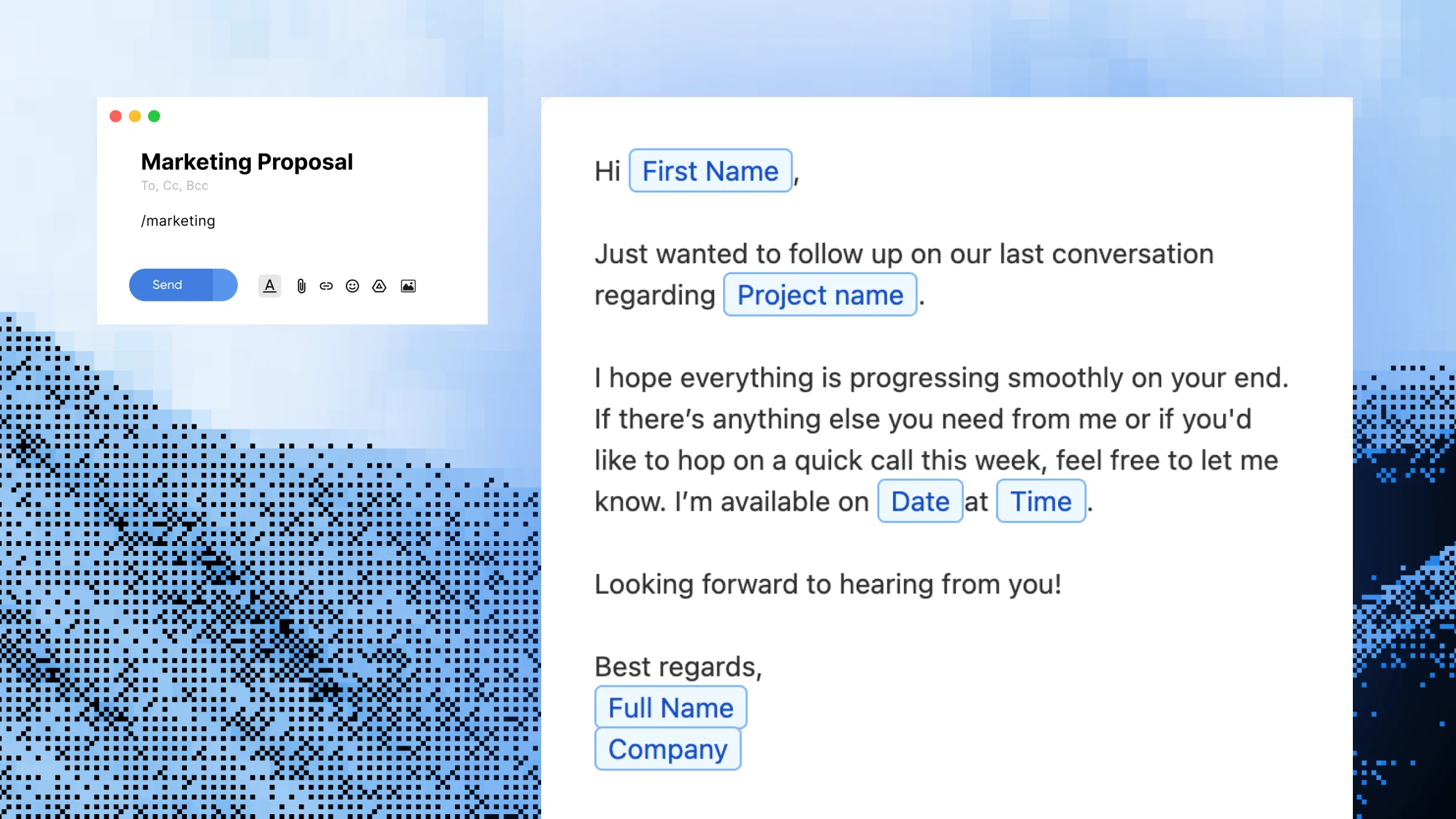 Dynamic Templates
Build reusable message templates with editable placeholders for names, dates, project types, and any other detail that changes. Built for support agents, sales reps, freelancers, marketers, and anyone who sends the same kind of message dozens of times a week.
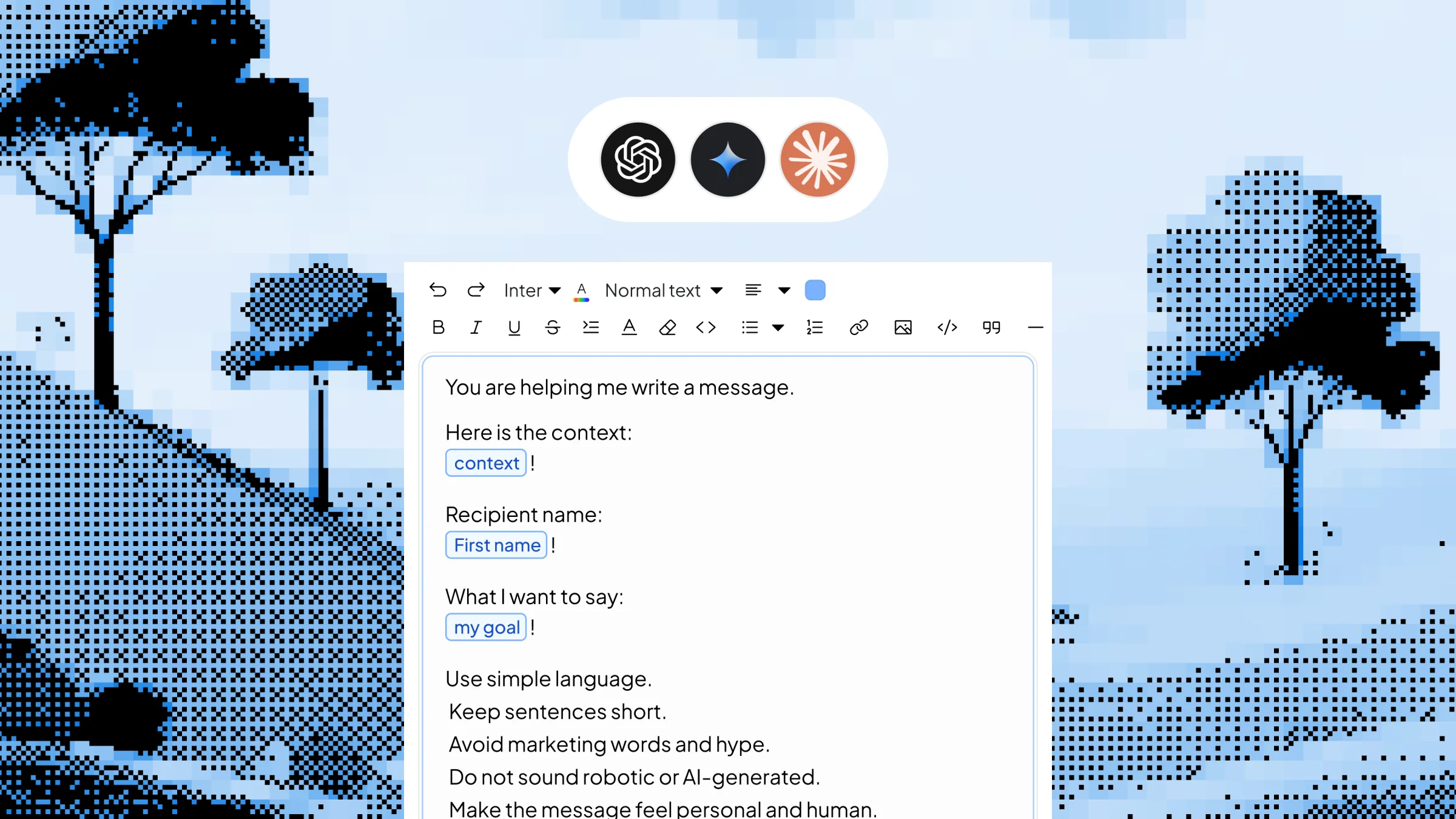 Dynamic Templates with AI
Save your best AI prompts as triggerable shortcuts with editable inputs. Type /linkedinpost, /coldemail or /summary, fill in the variable context in a quick popup, and Slashit generates the finished content using your chosen AI model — right where your cursor is, in any app on Mac or Windows.
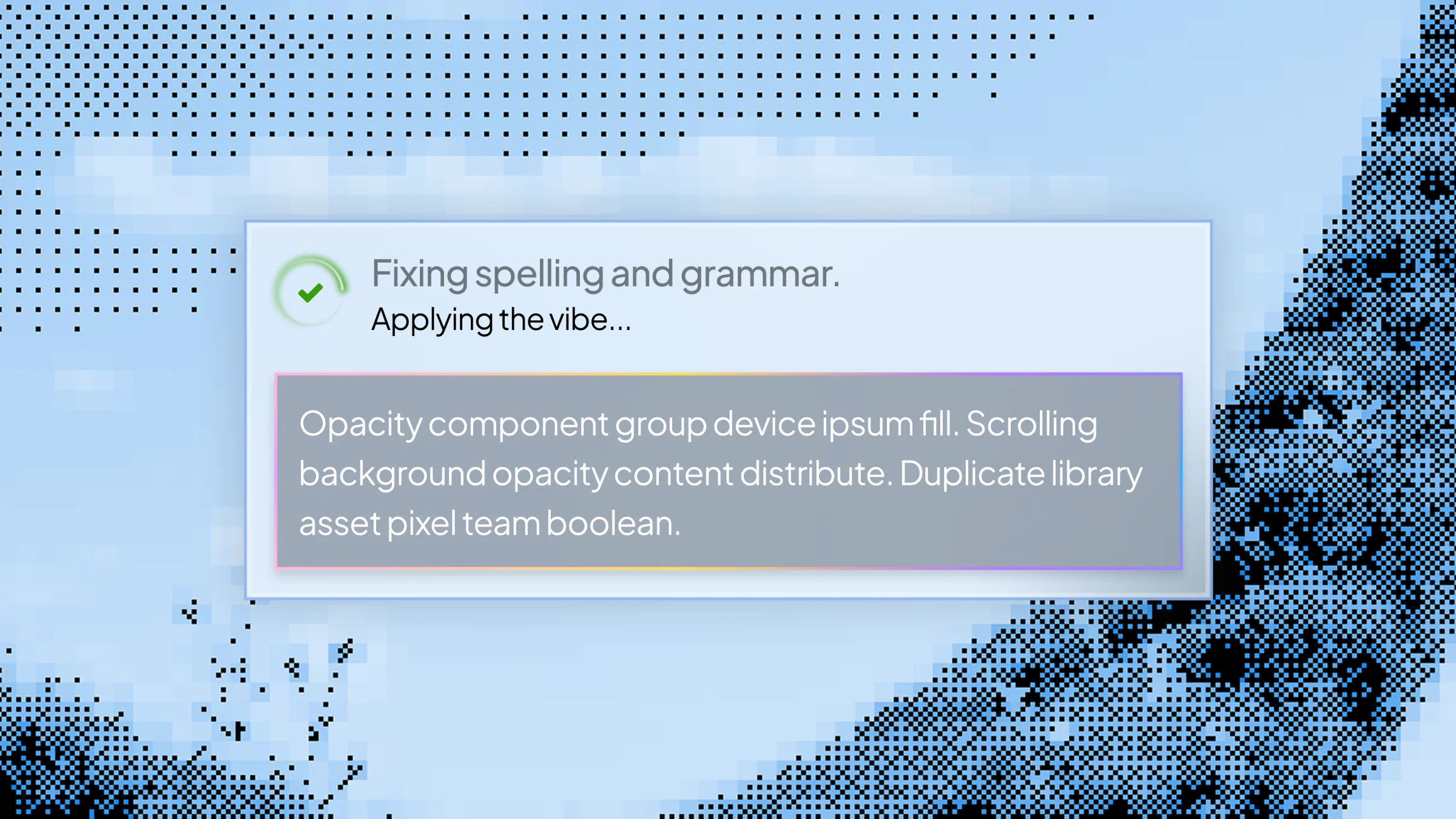 Magical
Build custom AI rewrite hotkeys for tone changes, translations, shortening, summaries and clarifications. Highlight text in any app on Mac or Windows, press your hotkey, and Slashit transforms it instantly — no tab-switching, no copy-paste, no separate AI window.