Build reusable message templates with editable placeholders for names, dates, project types, and any other detail that changes. Built for support agents, sales reps, freelancers, marketers, and anyone who sends the same kind of message dozens of times a week.
You're Retyping the Same Message With Different Names
You know the message by heart at this point.
The intro, the middle paragraph, the sign-off — only the name, date, and one or two details change.
Saved drafts live in Google Docs, Notion, and your inbox — finding the right one takes longer than typing fresh.
And yet you keep rewriting it from scratch, every single time. You retype the same email shell 20 times a day, just swapping out the client name and project. Generic canned responses sound robotic, so you end up rewriting them anyway. Mistakes slip through: wrong client name, last week's date, last project's scope still pasted in. And your team writes the same message five different ways, so brand consistency suffers.
One shortcut. Editable placeholders. A finished message in seconds — anywhere you type.
What You Can Do With Dynamic Templates
Placeholder-Powered Personalization
Drop placeholders into any template for the details that change — names, dates, designations, project types, deal sizes. Every message you send sounds written for that specific person, even though you reused the same shell.
Cross-App Templates Without Integrations
Your Dynamic Templates work the same way in Gmail, Slack, LinkedIn, Notion, Zendesk and any other app. There's no Gmail-only plugin or Slack-only bot to install — one template, every app.
Faster Than Copy-Paste From a Doc
Instead of digging through a Google Doc, copying a paragraph, pasting it, and editing three fields, you type a shortcut and fill in a quick popup. A sales rep can send a tailored follow-up to 15 prospects in the time it used to take to send four.
Template Library You Can Organize
Group your Dynamic Templates by category — sales, support, onboarding, internal — so the right one is always one shortcut away. A freelancer can keep separate libraries for proposals, scope clarifications and client check-ins.
Consistent Messaging Across Your Team
Build a Dynamic Template once and share it with your team so everyone uses the same approved wording. Marketing leads, sales managers and support leads use this to keep voice and accuracy tight.
How Dynamic Templates Work
1
Open Slashit and click "Add Template"
Pick where you want this template to live — personal library, team folder, or a specific category.
2
Name your template and set a shortcut
This is your trigger word, like /prochat, /intro or /quote. Pick something short you'll actually remember.
3
Write your message and drop in placeholders
Add placeholders for anything that changes — names, dates, project type, designation, ticket ID, dollar amounts.
4
Save it
Your Dynamic Template is now available everywhere you type — no integrations, no setup per app.
5
Type the shortcut to use it
Slashit opens a popup, you fill in the placeholders, and the finished personalized message inserts where your cursor is.
See Dynamic Templates in Action
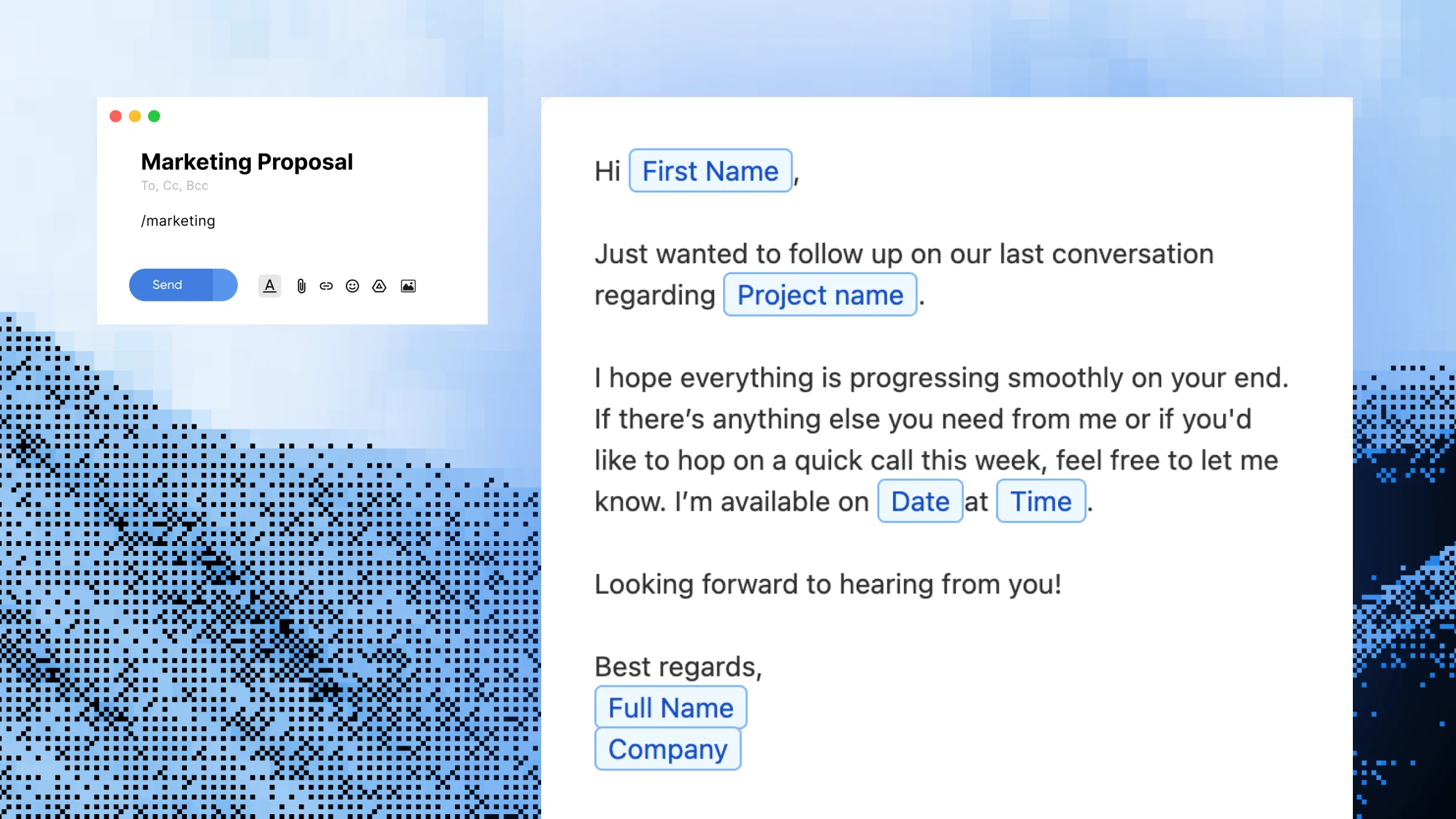
You're a project manager about to send a "kickoff intro" message to a new client in Gmail. Without Slashit, you open a Google Doc, scroll past three other templates, copy the right paragraph, paste it into Gmail, then manually edit the client name, the project type and the start date. That's roughly two to three minutes of clicking and editing.
With Slashit, you type:
/prochat
A small popup appears asking for:
Client name:
Sarah Chen
Project type:
Brand Refresh
Start date:
November 18
Designation:
Head of Marketing
You hit insert. This appears in your email:
"Hi Sarah Chen — thanks again for the call earlier. Excited to officially kick off the Brand Refresh project on November 18. As Head of Marketing, you'll be our main point of contact on your side. I'll send the project workspace and intro deck before end of day…"
Elapsed time: about 8 seconds.
Who Uses Dynamic Templates — and How
Sales RepsProspecting, follow-ups and discovery recaps with placeholders for prospect name, company, last meeting date and next step. Send 20+ tailored touches a day without retyping the same opener.
Support AgentsCanned responses for refunds, shipping delays, escalations and feature requests. Placeholders for customer name, order ID and ticket date keep every reply accurate and personal.
FreelancersProposals, scope confirmations, invoice reminders and project intros. Fill in client name, project type and rate, and send a finished message in under a minute.
MarketersPartnership outreach, brief approvals and campaign launches. Placeholders for partner name, campaign and launch date keep outbound communication on-brand across the team.
Managers & FoundersOne-on-one prep, status updates, hiring rejections and investor updates. Placeholders for name, role and date make every message feel written, not auto-generated.
Before Dynamic Templates vs. After
Without Slashit
With Slashit's Dynamic Templates
Retyping a client intro email from scratch
Type /intro, fill in name and project, hit insert
Copy-pasting a support reply and editing 3 fields
Type /refund, fill in customer name and order ID
Hunting through Google Docs for the "right" template
One shortcut opens the exact template you need
Sending the wrong client name or last week's date by accident
Placeholders force you to enter fresh details every time
Each teammate writing the same message in their own words
“I built one Dynamic Template for client onboarding emails — name, project type, start date as placeholders. What used to be a 4-minute task is now under 20 seconds, and I haven't sent the wrong client name in months.”
— Maya R. · Freelance Brand Designer
“My support team rebuilt our entire canned-response library in Slashit. Same trigger words, but now the customer's name and order ID auto-fill. Reply quality went up and ticket time went down.”
— Daniel K. · Customer Support Lead
“As a sales rep, I send 30 follow-ups a day. /follow with placeholders for name, last meeting date and next step has probably given me back five hours a week.”
— Priya S. · SaaS Account Executive
Works Everywhere You Type
Slashit runs at the operating system level on Mac and Windows, so your Dynamic Templates expand the same way in any browser tab or desktop app — without integrations, plugins or per-tool setup.
Plus any other browser, CRM, helpdesk or text field on your computer. Available on macOS and Windows.
Frequently Asked Questions About Dynamic Templates
What is a Dynamic Template in Slashit?
A Dynamic Template is a reusable message template with editable placeholders for things like names, dates, project types and designations. You trigger it with a shortcut like /prochat, fill in the placeholders in a quick popup, and the finished personalized message inserts wherever your cursor is. It's built for any message you send repeatedly with slightly different details each time.
How is this different from copy-pasting from a Google Doc?
Copy-pasting means switching tabs, scrolling, copying, pasting, and then manually editing three or four fields — and hoping you didn't miss one. A Dynamic Template runs from a single shortcut and forces you to fill in fresh details every time, so you never send last week's name or date by accident. Typical time saved is 3–4 minutes per message.
Do I need a separate plugin for Gmail, Slack or LinkedIn?
No. Slashit runs at the OS level on Mac and Windows, so your Dynamic Templates work the same way in Gmail, Slack, LinkedIn, Notion, Zendesk, HubSpot, Upwork and any other browser or desktop app. There's nothing to install per tool.
How do I set up my first Dynamic Template?
Open Slashit, click "Add Template," give it a name and a shortcut (like /quote), write your message with placeholders for anything that changes, and hit save. Your first template typically takes under 3 minutes to build, and you can reuse it across every app from that point on.
Can I share Dynamic Templates with my team?
Yes. On paid plans you can share Dynamic Templates with teammates so everyone uses the same approved, on-brand wording. This is common for sales teams sharing prospecting messages, support teams sharing canned responses and marketing teams sharing partnership outreach.
Are Dynamic Templates included in the free plan?
Yes — the free plan includes Dynamic Templates so you can build and use placeholder-based templates without paying. Higher plans add team sharing, the Magical AI rewriter, advanced placeholder types and a lifetime deal option.
How is Slashit's Dynamic Template different from TextExpander's?
Both tools support placeholders, but Slashit pairs Dynamic Templates with an AI rewrite hotkey, team sharing and a lifetime deal — so you're not locked into a monthly subscription. Slashit also works across the same wide range of apps without per-app plugins.
Can placeholders be more than just text fields?
Yes. Dynamic Templates support multiple placeholder types including text fields, dates, designations and project details, so a single template can capture everything that varies between messages. This is why support and sales teams use them for replies that need structured details like order IDs, ticket numbers or deal sizes.
Start Using Dynamic Templates Free Today
Stop retyping the same message with different names. Build a Dynamic Template once, drop in placeholders for whatever changes, and send personalized emails, support replies, proposals and DMs in seconds — across every app you already use.
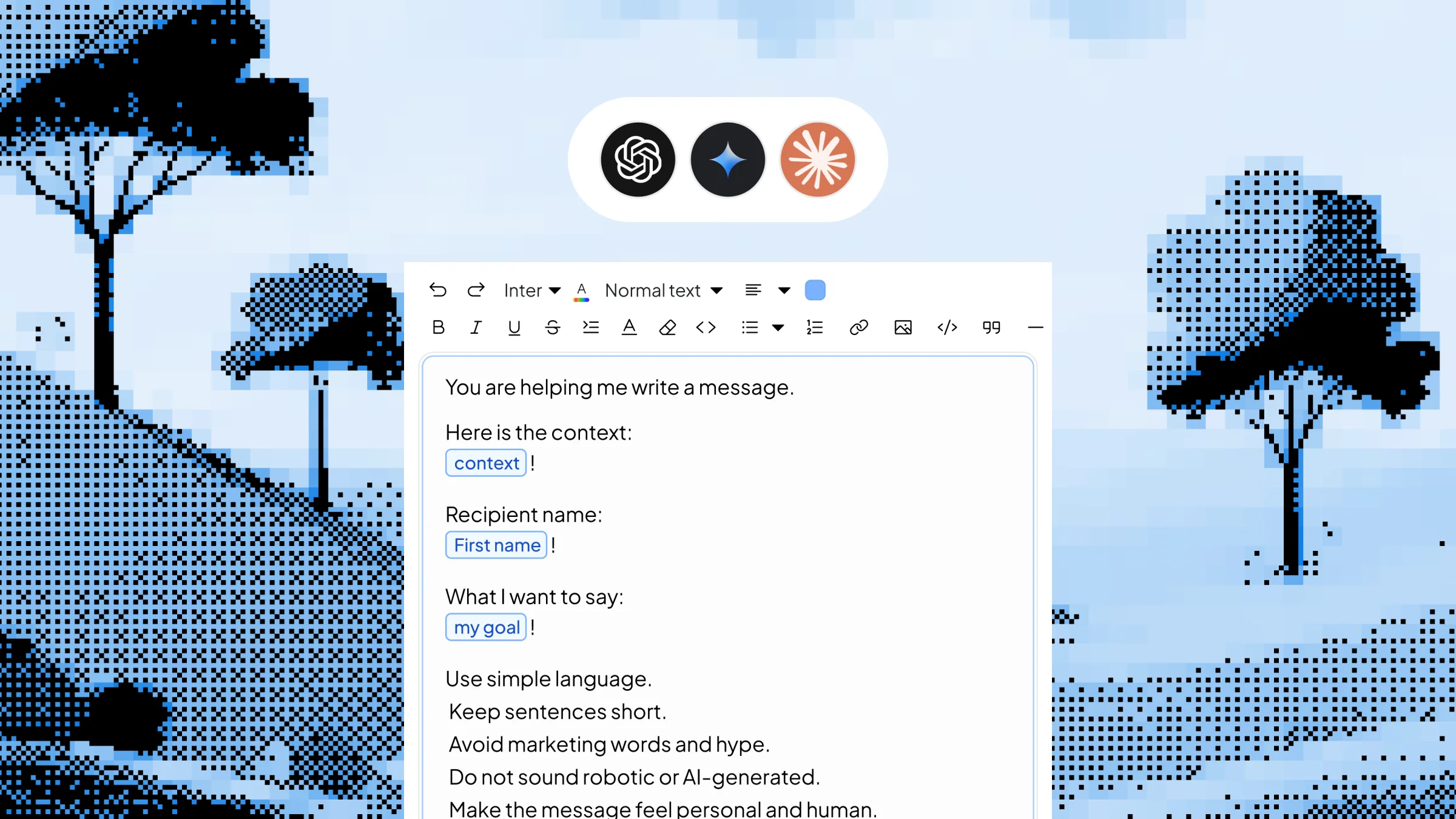
Save your best AI prompts as triggerable shortcuts with editable inputs. Type /linkedinpost, /coldemail or /summary, fill in the variable context in a quick popup, and Slashit generates the finished content using your chosen AI model — right where your cursor is, in any app on Mac or Windows.
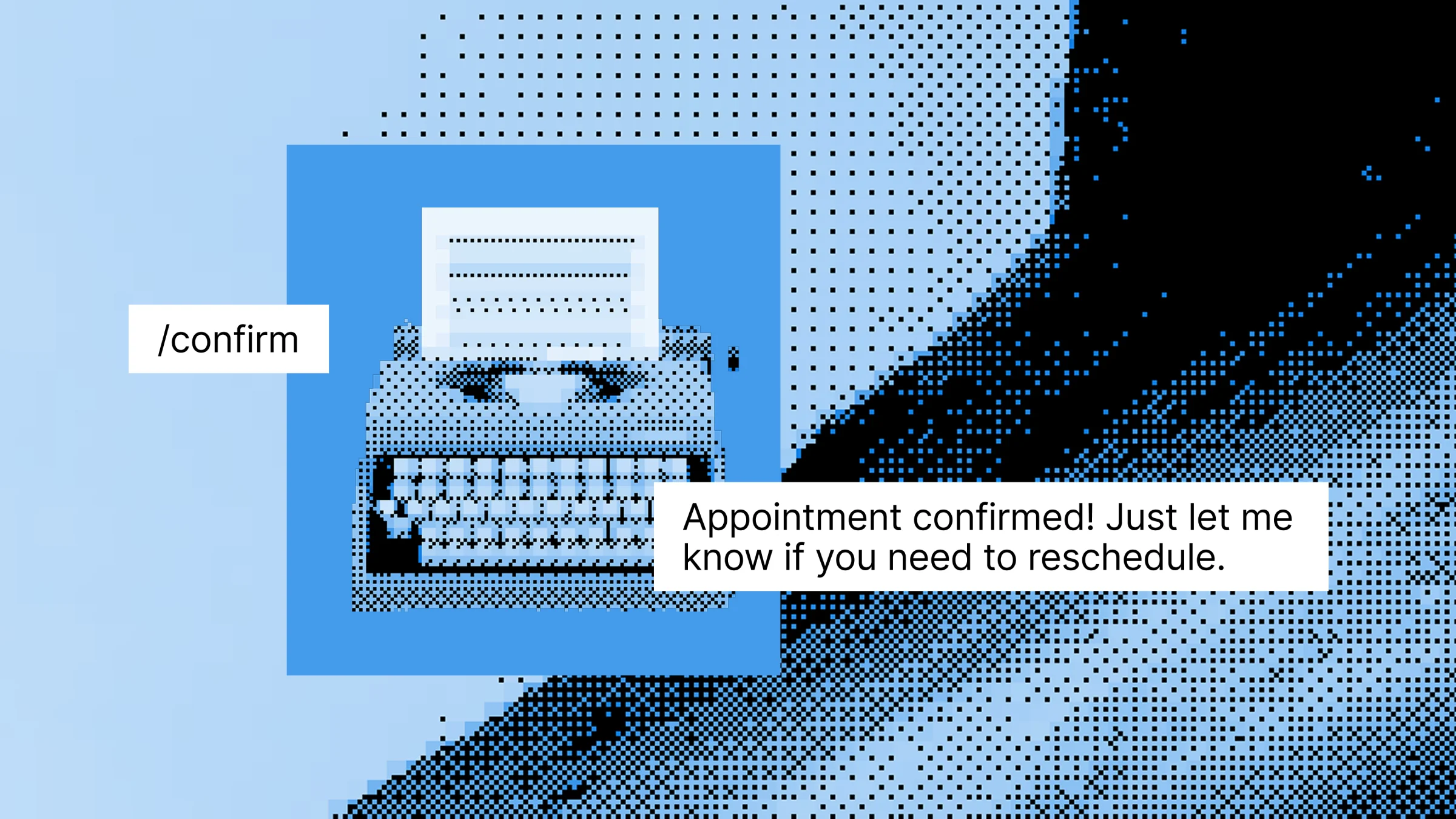
Save your most-typed phrases, signatures, URLs, addresses, and canned replies as short triggers — then expand them in any app with a few keystrokes. Built for support agents, sales reps, freelancers, developers, and anyone tired of typing the same thing every day.
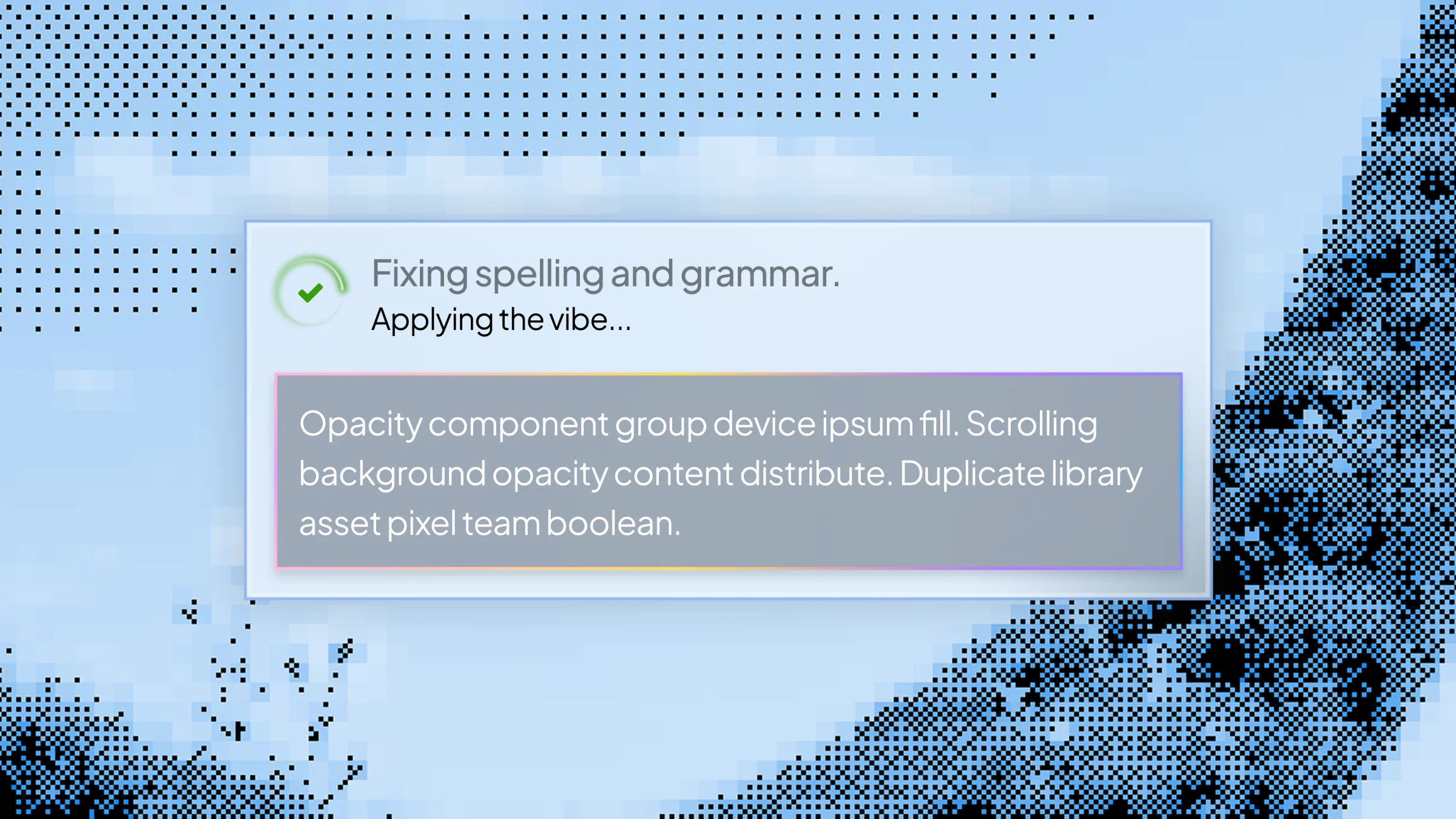
Build custom AI rewrite hotkeys for tone changes, translations, shortening, summaries and clarifications. Highlight text in any app on Mac or Windows, press your hotkey, and Slashit transforms it instantly — no tab-switching, no copy-paste, no separate AI window.