Save your best AI prompts as triggerable shortcuts with editable inputs. Type /linkedinpost, /coldemail or /summary, fill in the variable context in a quick popup, and Slashit generates the finished content using your chosen AI model — right where your cursor is, in any app on Mac or Windows.
You're Retyping the Same Prompts Into ChatGPT All Day
You've already written the perfect prompt for your LinkedIn posts. You know the exact wording that gets the right tone, length and structure. And yet every time you want to write a new post, you switch to ChatGPT, retype the entire prompt, fill in the new topic, generate, copy, switch back, paste. Over and over. You retype long AI prompts every time you want to generate a LinkedIn post, cold email or summary. You switch to a chatbot tab and back for every piece of content you draft. You forget which prompt actually worked best for your tone and style. Your best prompts live in a Google Doc, scattered Notion pages or your head. And there's no way to capture "the prompt that works" once and reuse it with different inputs.
Save the prompt. Trigger the shortcut. Fill in the inputs. Get AI-generated content — anywhere.
What You Can Do With Dynamic Templates with AI
Save Your Best Prompts as Shortcuts
Your tested, polished prompts stop living in scattered docs. Save them once as Dynamic Templates with AI — a /linkedinpost, a /coldemail, a /summary, a /tweet — and trigger them from a keystroke instead of retyping a wall of text into ChatGPT.
Variable Inputs Per Generation
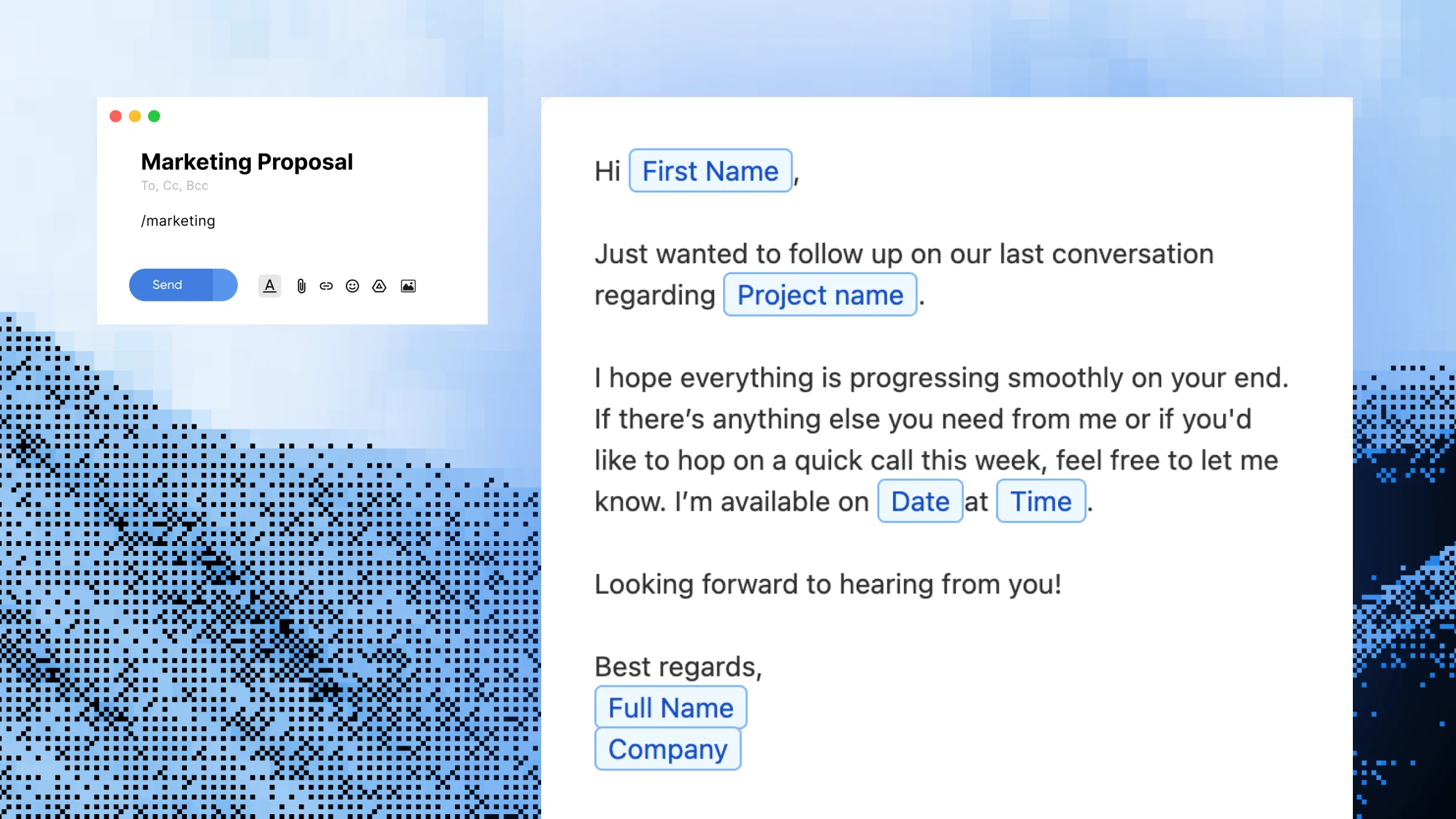
Each template captures the parts that change with placeholders. A content marketer can build /linkedinpost once with {topic} and {audience} placeholders, and generate a tailored post for every new idea — same prompt structure, different inputs, different output.
Generate Anywhere — Not Just in a Chatbot Tab
The generated content drops directly into Gmail, Slack, LinkedIn, Notion or any other text field where your cursor is. A sales rep can run /coldemail inside their CRM and watch a personalized opener appear in the message body, without ever leaving the page.
Build a Library of AI Generators
Most users end up with 5–15 templates for the content they create most: posts, emails, summaries, replies, product copy, descriptions. Your "AI library" stays organized inside Slashit instead of fragmented across saved chats.
Share AI Templates Across Your Team
Built a Dynamic Template with AI that consistently produces on-brand LinkedIn posts? Share it with your team so every teammate generates content using the same proven prompt — keeping voice, structure and tone consistent.
How Dynamic Templates with AI Work
1
Open Slashit and click "Add Template"
Start a new template from your library.
2
Name it and set a shortcut
Pick something memorable like /linkedinpost, /coldemail, /summary or /productdesc.
3
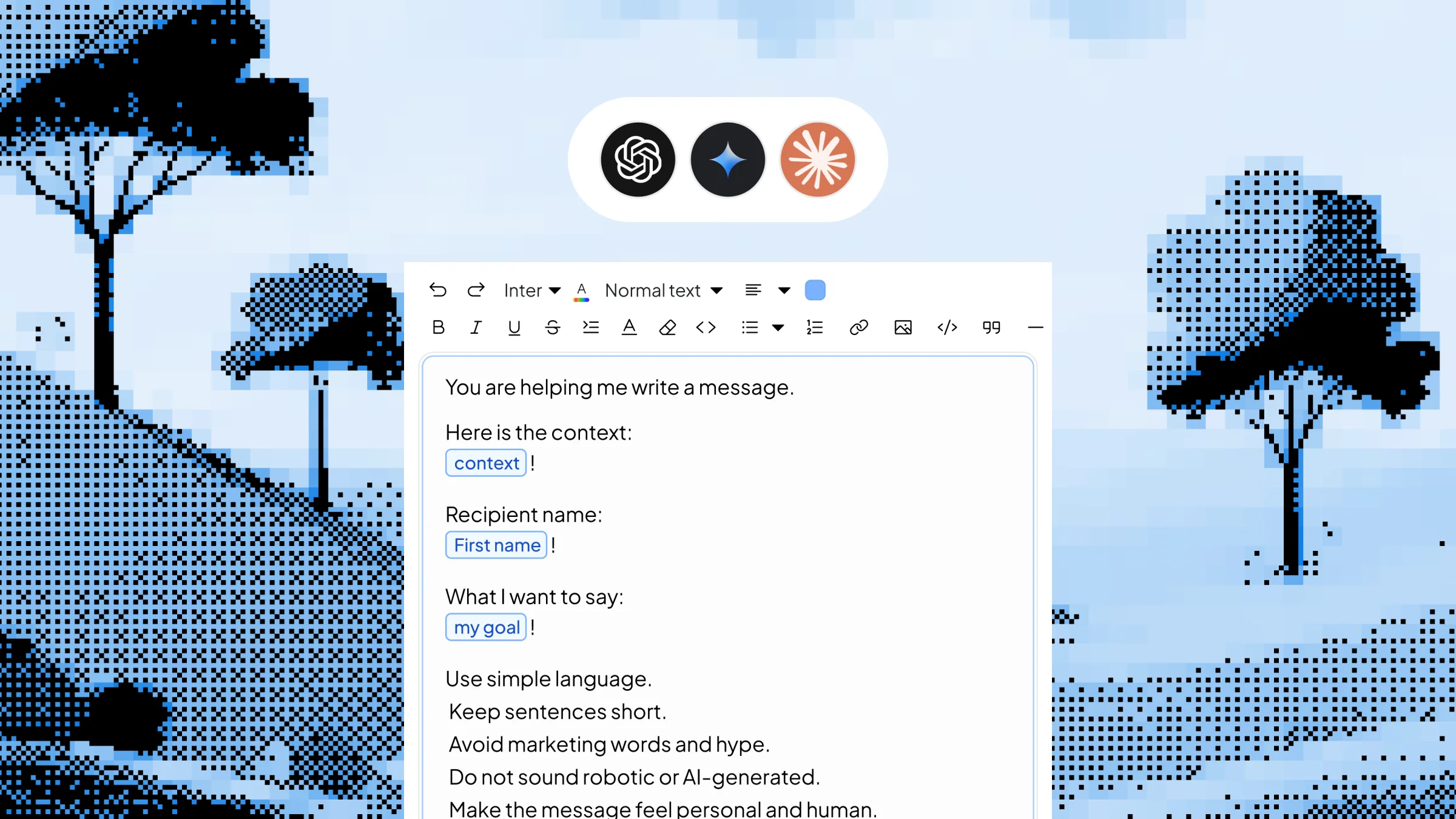
Write your AI prompt with placeholders for variable content
For example: "Write a LinkedIn post about {topic} in a {tone} tone. Keep it under 200 words and include a hook." Placeholders capture the parts that change each time.
4
Activate "Use as AI Prompt" and choose your AI model
Pick ChatGPT, Gemini or your preferred AI engine for this template.
5
Save it — then trigger anywhere
Type the shortcut, fill in the popup with your inputs, hit enter, and the AI-generated content appears in place — no integrations, no retyping prompts.
See Dynamic Templates with AI in Action
You're a content marketer about to write your second LinkedIn post of the week. Without Slashit, that means switching to ChatGPT, retyping your "write me a LinkedIn post" prompt with all your tone and length rules, plugging in the new topic, generating, copying and pasting it back into LinkedIn. About 8–12 minutes of work.
With Slashit, you type:
/linkedinpost
A small popup appears with a single field:
Topic:
Why most remote work productivity advice is wrong
Saved prompt sent to ChatGPT:"Write a LinkedIn post about {topic} in a thought-leader tone. Open with a contrarian hook. Keep it under 200 words. End with a question that invites comments."
About three seconds later, this appears in the LinkedIn composer:
"Most remote work advice misses the point. It's not about morning routines or noise-canceling headphones. It's about who you do your worst hours next to. The biggest productivity unlock I've found isn't a tool — it's choosing one person to share my 'stuck' moments with in real time. What's the smallest change that doubled your remote output?"
Elapsed time: under 10 seconds.
Who Uses Dynamic Templates with AI — and How
Content MarketersBuild /linkedinpost, /tweet, /newsletter and /blogintro with placeholders for topic, audience and tone. Generate a week of social content in the time it used to take to write one post.
Sales RepsSet up /coldemail with placeholders for prospect name, company and pain point. Generate personalized outbound openers from your CRM, without leaving the deal record.
Founders & ManagersUse /investorupdate, /boardsummary and /weeklyupdate with placeholders for metrics, wins and asks. Turn a Monday morning grind into a 10-minute task.
Support AgentsBuild /custom_reply with placeholders for the customer's issue, sentiment and history. Generate a contextual response instead of bending a generic canned reply.
RecruitersCreate /candidate_outreach with placeholders for role, candidate background and team highlight. Send personalized cold outreach that actually sounds personal — at scale.
Before Dynamic Templates with AI vs. After
Without Slashit
With Slashit's Dynamic Templates with AI
Retyping a full LinkedIn post prompt into ChatGPT every time
Type /linkedinpost, enter the topic, hit enter
Copy-pasting prospect details into a chatbot for each cold email
Type /coldemail, fill in name and pain point, get a tailored opener
Paste meeting notes into ChatGPT and ask for a summary every week
Type /summary, paste the notes, get a structured recap
Rewriting your "investor update" prompt for every weekly send
Type /investorupdate, fill in metrics and wins, done in minutes
Best prompts trapped in a Google Doc you forget to open
Best prompts saved as shortcuts and triggered from any app
Inconsistent AI output across your team
Shared templates run the exact same prompt for everyone
What Users Say About Dynamic Templates with AI
“I used to spend 10–15 minutes per LinkedIn post — half of it just re-prompting ChatGPT. Now /linkedinpost asks me for the topic, I hit enter, and the draft is in front of me in five seconds. I'm posting four times a week instead of once.”
— Tom L. · B2B Content Marketer
“For cold outreach, I built /coldemail with placeholders for the prospect's name, company and pain point. The AI writes a personalized opener every time using my exact prompt. My reply rate doubled in six weeks.”
— Jasmine D. · SDR Lead
“My weekly investor update used to take me 90 minutes. I built /investorupdate with placeholders for our metrics, wins and asks. Now it takes me twelve minutes from blank field to send.”
— Carlos R. · Startup Founder
Dynamic Templates with AI Work Everywhere You Write
Slashit runs at the operating system level on Mac and Windows, so AI-generated content drops into any browser tab or desktop app — without integrations, plugins or chatbot tabs to manage.
Plus any other browser, CRM, helpdesk, doc editor or text field. Works with ChatGPT, Gemini and other supported AI models. Available on macOS and Windows.
Frequently Asked Questions About Dynamic Templates with AI
What is a Dynamic Template with AI in Slashit?
A Dynamic Template with AI is a saved AI prompt with editable placeholders that you trigger from a shortcut. You write the prompt once, add placeholders for the parts that change (like topic or audience), enable "Use as AI Prompt," and pick an AI model. When you type the shortcut, Slashit asks you for the variable inputs, runs the prompt through the AI, and inserts the generated content in place.
How is this different from a regular Dynamic Template?
A regular Dynamic Template fills in a static text template with your inputs — the wording stays the same every time, only the placeholders change. A Dynamic Template with AI sends your prompt and inputs to an AI model and generates fresh content each time. Same shortcut workflow, but the output is AI-written instead of templated.
How is this different from Magical?
Magical rewrites text you've already written and highlighted — you select something, press a hotkey, and the AI transforms it in place. A Dynamic Template with AI generates new content from scratch based on a saved prompt and your inputs. Most users use both: Magical to polish existing text and AI Templates to generate new content.
Which AI models can I use?
Dynamic Templates with AI support multiple models including ChatGPT and Gemini, and you can pick a different model per template. That means /linkedinpost can use one model and /coldemail can use another, depending on which produces the best output for that job.
Can I create multiple AI templates for different content types?
Yes. Most users build a small library — typically a LinkedIn post template, a cold email template, a meeting summary template, a tweet template and one or two others. Each one has its own shortcut, prompt, placeholders and AI model.
Does this work in every app?
Yes. Slashit runs at the operating system level on Mac and Windows, so AI-generated content lands inside Gmail, Slack, LinkedIn, Notion, Zendesk, HubSpot, Upwork and any other browser or desktop app. There's nothing to install per tool.
Is this feature included in the free plan?
The free plan lets you build and test Dynamic Templates with AI so you can experience the workflow before upgrading. Higher plans expand monthly AI usage, unlock team sharing, support multiple AI models per template and add the lifetime deal option.
Can I share AI templates with my team?
Yes. On paid plans you can share your Dynamic Templates with AI across the team so every teammate runs the same prompt with their own inputs. This is how marketing teams keep social content on-brand and sales teams keep cold outreach consistent.
Start Using Dynamic Templates with AI Free Today
Stop retyping your best AI prompts every time you write a LinkedIn post, cold email, summary or update. Save the prompt once, set placeholders for what changes, trigger it from a shortcut anywhere you write — and let Slashit generate the content for you.
Build reusable message templates with editable placeholders for names, dates, project types, and any other detail that changes. Built for support agents, sales reps, freelancers, marketers, and anyone who sends the same kind of message dozens of times a week.
Save your most-typed phrases, signatures, URLs, addresses, and canned replies as short triggers — then expand them in any app with a few keystrokes. Built for support agents, sales reps, freelancers, developers, and anyone tired of typing the same thing every day.
Build custom AI rewrite hotkeys for tone changes, translations, shortening, summaries and clarifications. Highlight text in any app on Mac or Windows, press your hotkey, and Slashit transforms it instantly — no tab-switching, no copy-paste, no separate AI window.